FORCE FEEDBACK FOR YOUR MAC
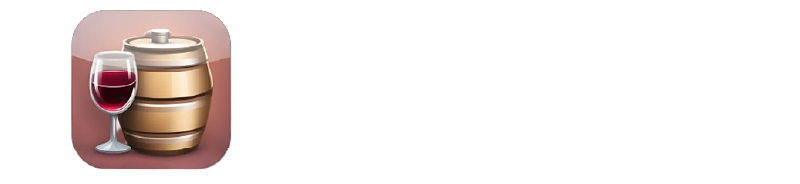
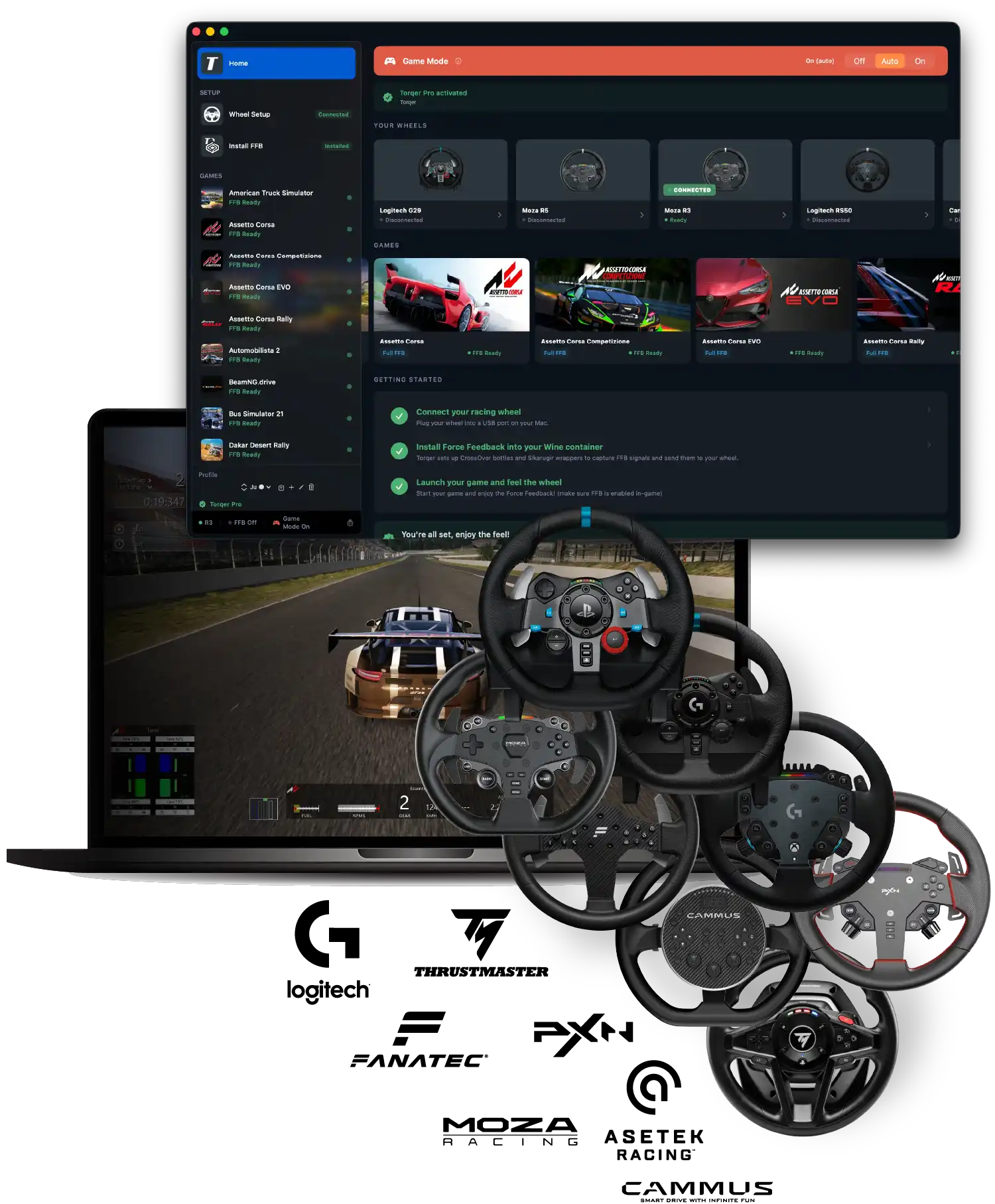
The all-in-one macOS app adding full Force Feedback for Logitech, Thrustmaster, Moza, Fanatec, Asetek and Cammus wheels in tested games running via CrossOver, Heroic and Sikarugir.
✓ Verified FFB support for 20+ Windows games
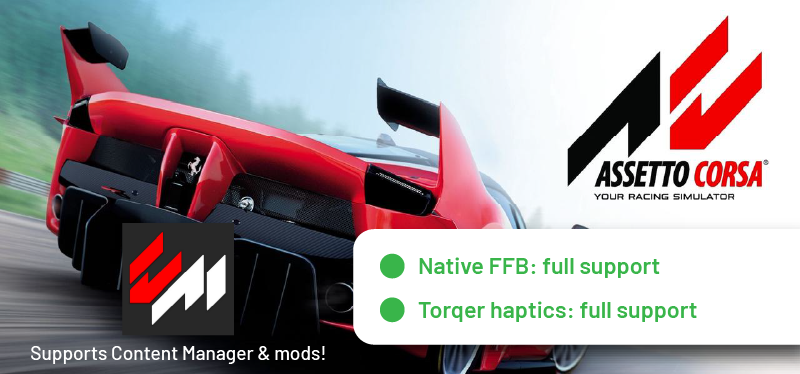
Assetto Corsa, Automobilista 2, BeamNG, RaceRoom, Euro Truck Simulator 2…
✓ Supports most popular wheels
Logitech G29, G920, G923, RS50, G Pro, Thrustmaster T128, T598, Moza R3, R5, R9, R12, R16, R21, R25, PXN VD6, Fanatec DD, Cammus C5, Asetek La Prima…
✓ $12 / 10€ lifetime license
No subscription (5-day free trial)
Compatible with

GET FULL NATIVE FORCE FEEDBACK
AND ADVANCED HAPTICS WITHOUT WINDOWS
Feel the road on your Mac without a gaming PC.
Torqer lets you feel native FFB + custom haptics that you won’t even get on Windows.
NATIVE FFB
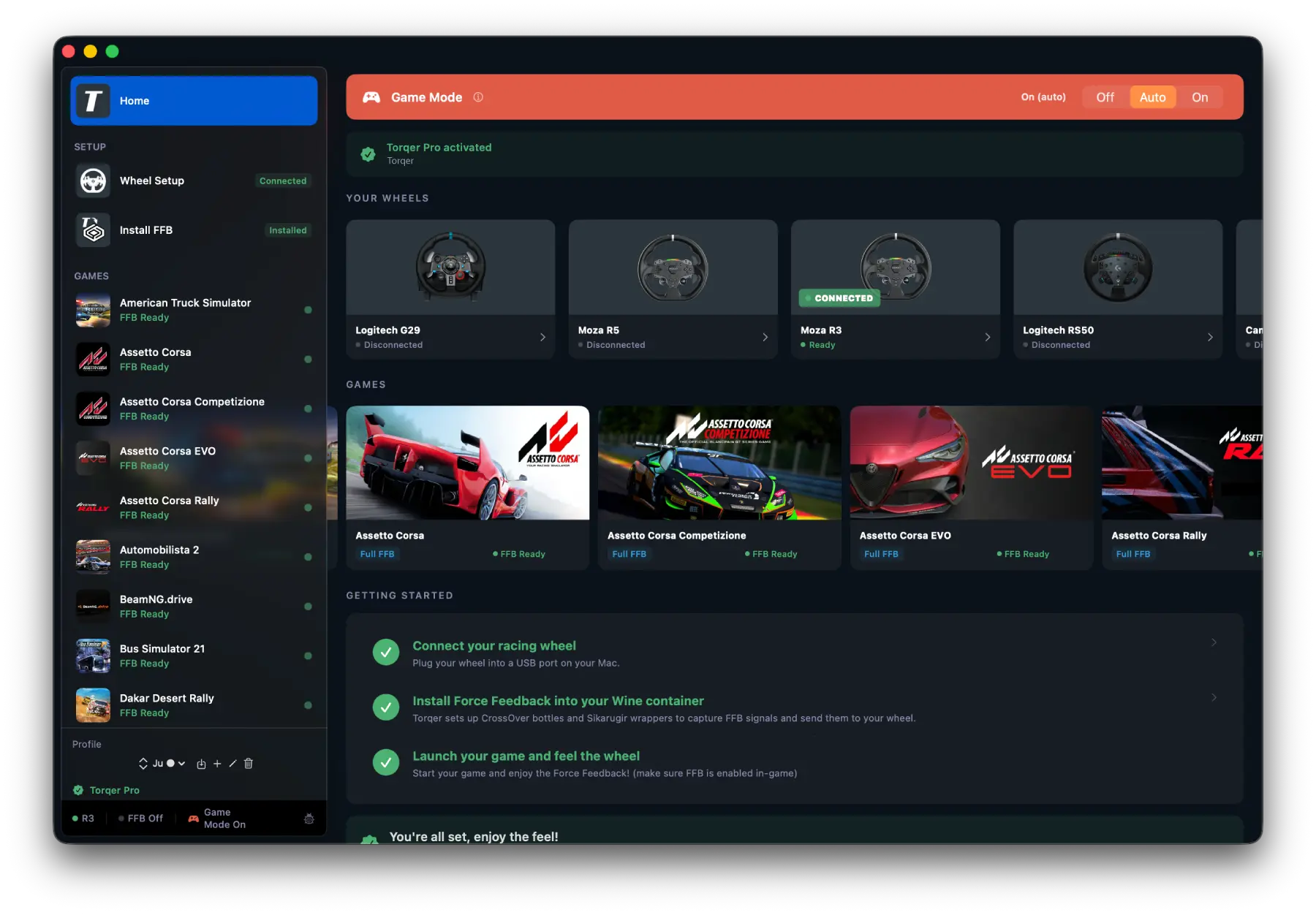
Torqer connects to the game’s direct FFB inputs so that you can feel your car just like on a Windows gaming PC: car weight, suspension response, tire behavior… Torqer lets you feel all your games’ built-in Force Feedback.
GEAR SHIFT HAPTICS
Torqer captures telemetry events like gear changes, and sends immersive haptics to your wheel so you can really feel like you’re in a real car.
ABS/TC HAPTICS
Take your FFB experience beyond the standard of gaming PCs and improve your performance with ABS activation + Traction Control triggering haptics, felt right through your wheel so you can race to the limit.
NATIVE FORCE FEEDBACK
FOR TOP RACING GAMES ON MACOS
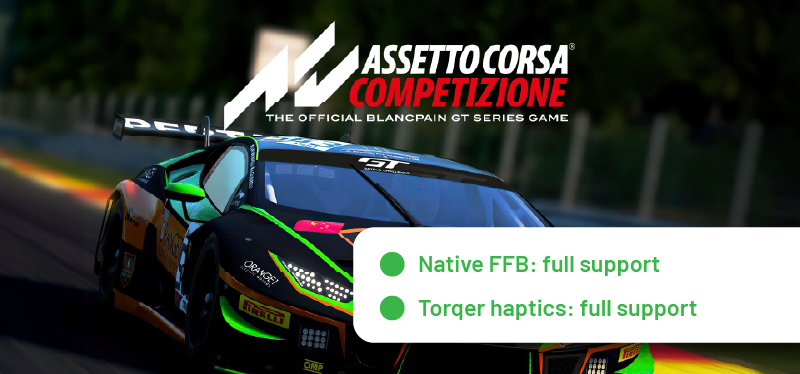
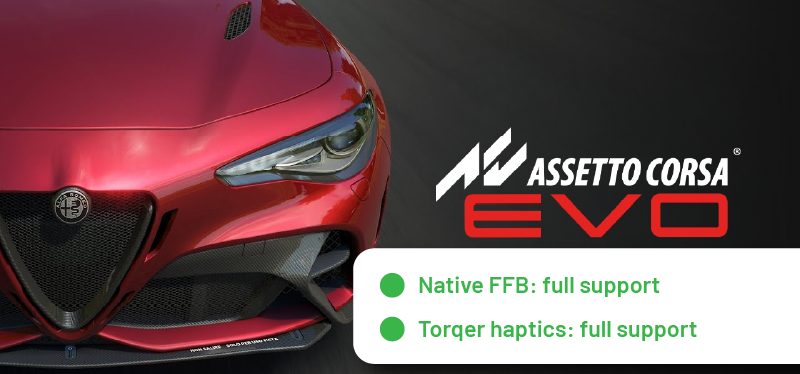
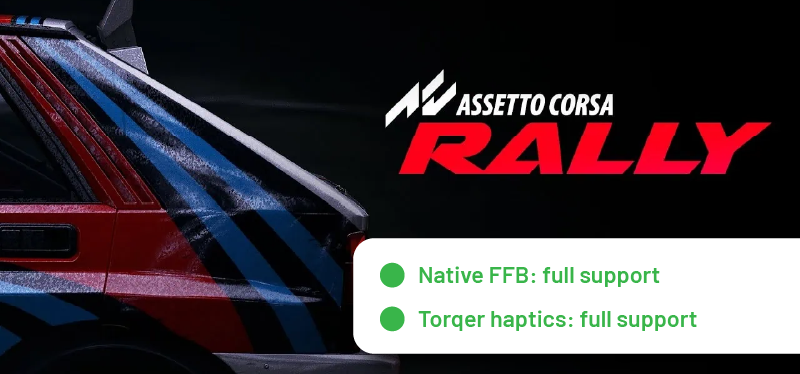
Force Feedback support was manually verified by our team for the games below.
Many other games are already supported in Torqer. Test them and let us know how it goes!
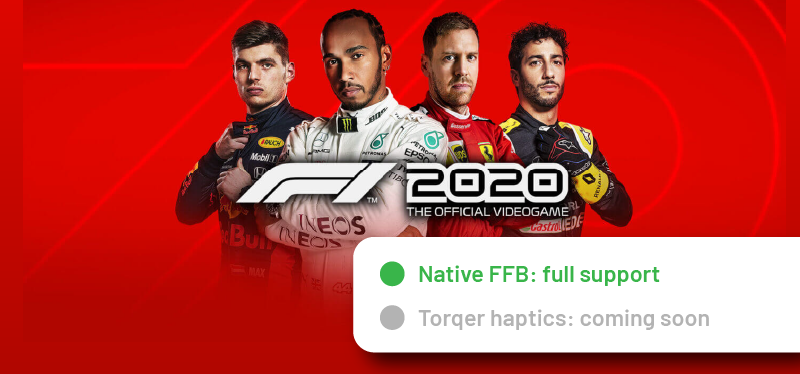 F1 2020: fully compatible with native FFB.
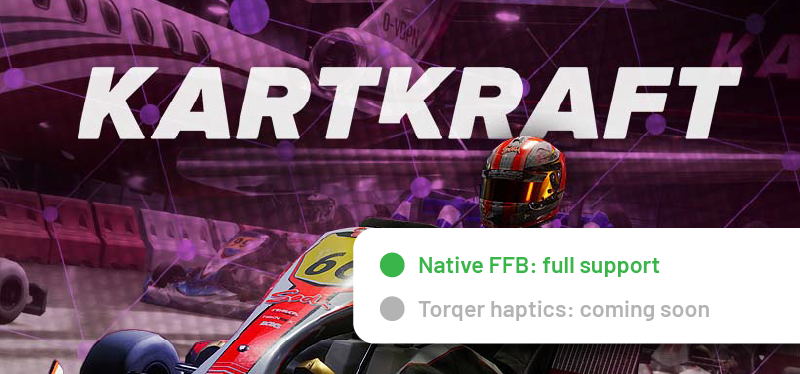 Kartkraft: fully compatible with native FFB.
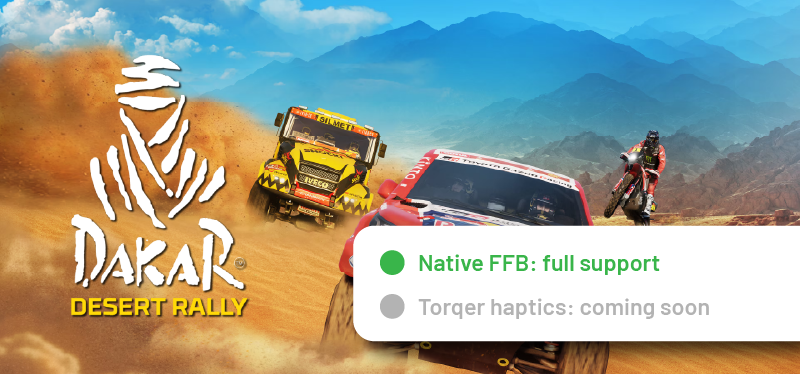 Dakar Desert Rally: fully compatible with native FFB.
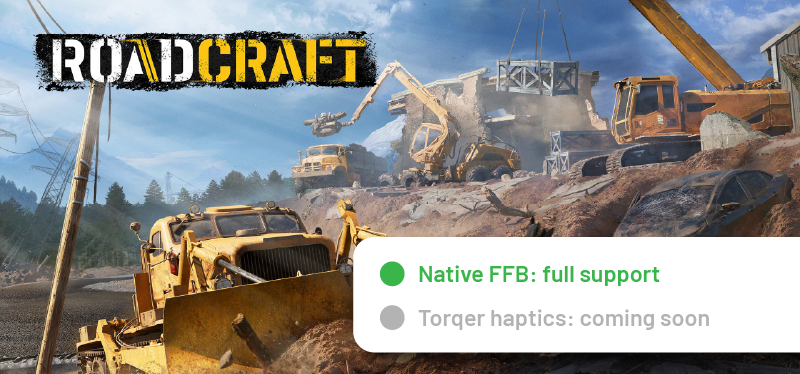 Roadcraft: fully compatible with native FFB.
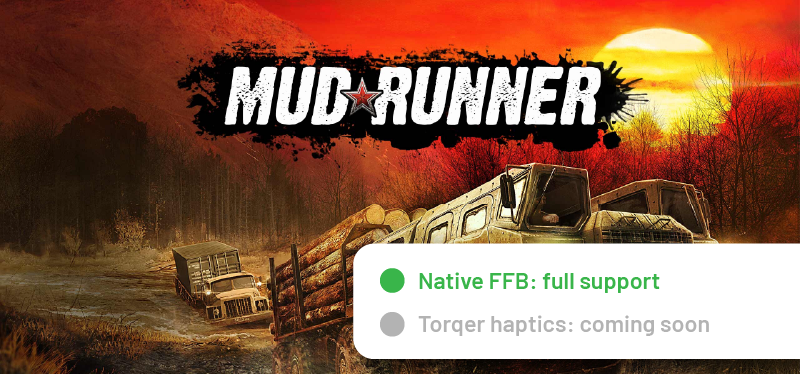 Mudrunner: fully compatible with native FFB.
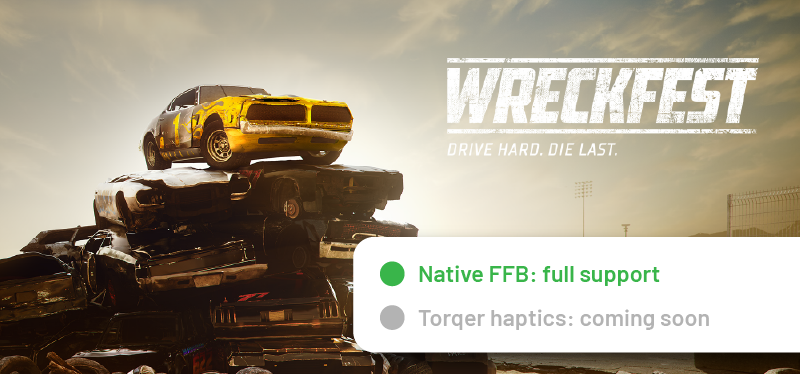 Wreckfest: fully compatible with native FFB.
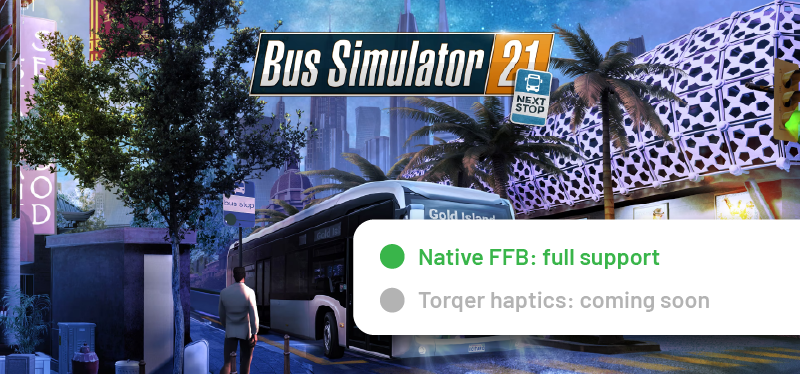 Bus Simulator 21: fully compatible with native FFB.
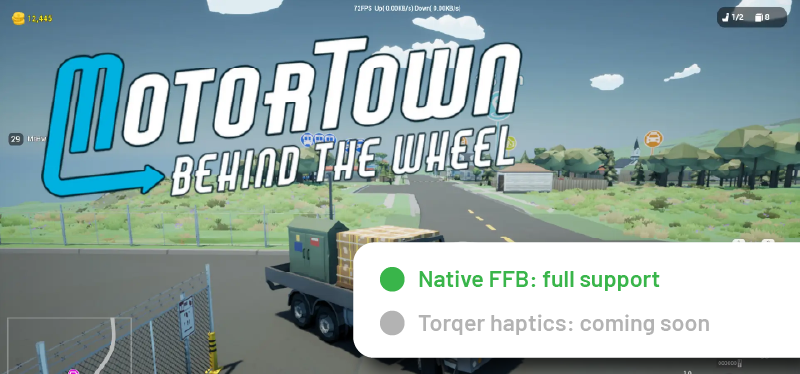 MotorTown: fully compatible with native FFB.
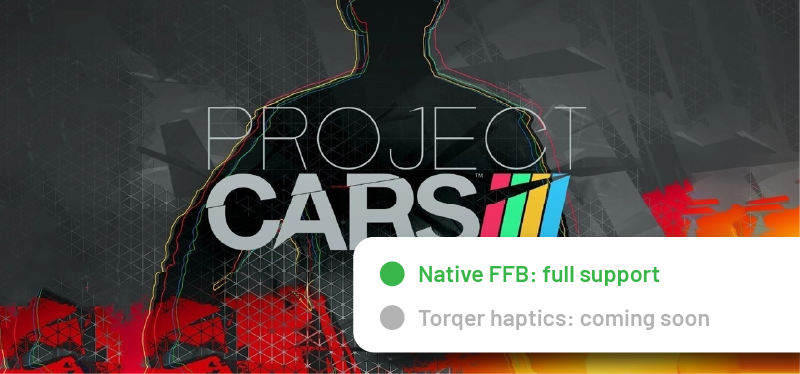 Project CARS: fully compatible with native FFB.
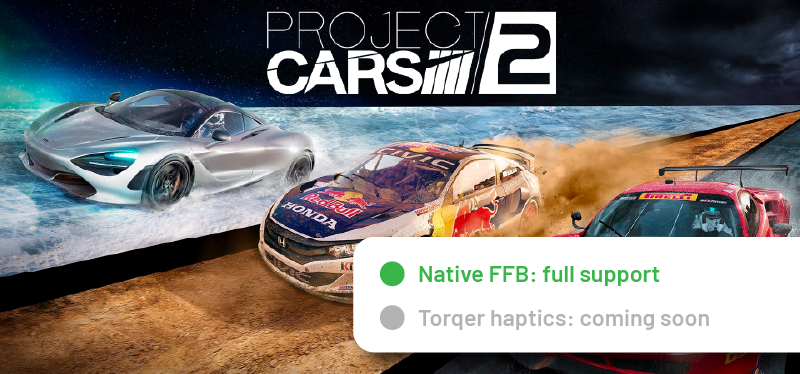 Project CARS 2: fully compatible with native FFB.
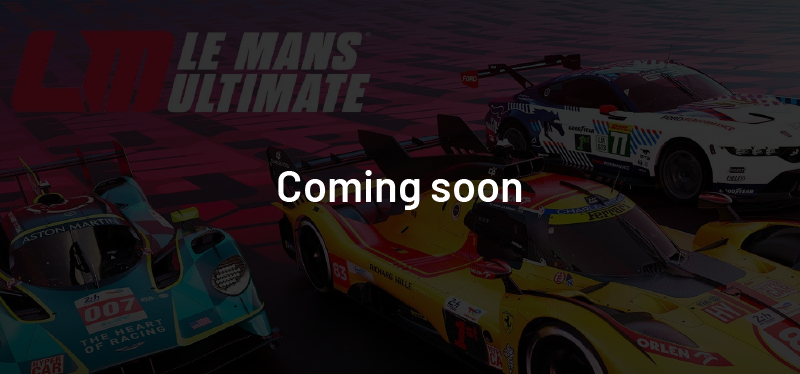 Le Mans Ultimate: FFB support coming soon (doesn’t run on CrossOver yet)
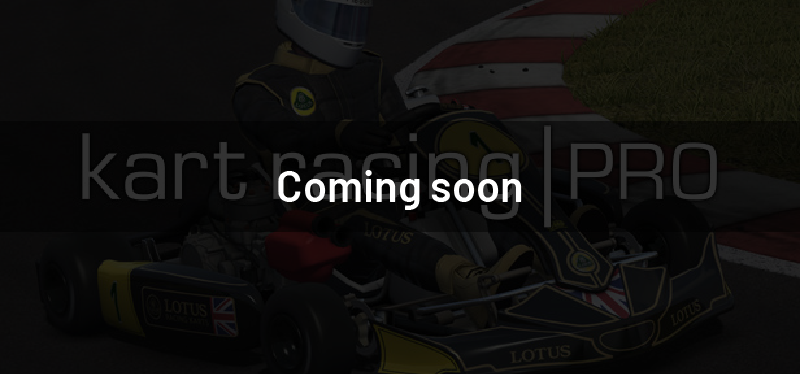 Kart Racing Pro: FFB support coming soon
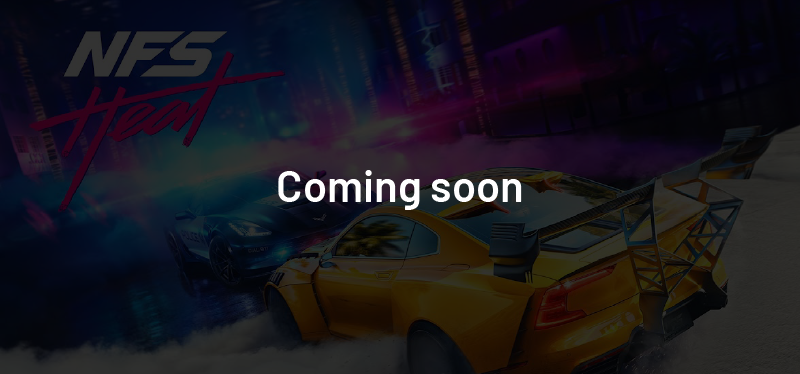 Need For Speed: Heat: FFB support coming soon
 Snowrunner: FFB support coming soon (doesn’t run on CrossOver yet)
 Many other games are already supported by Torqer but are yet to be tested by us. Test them and let us know how it goes!
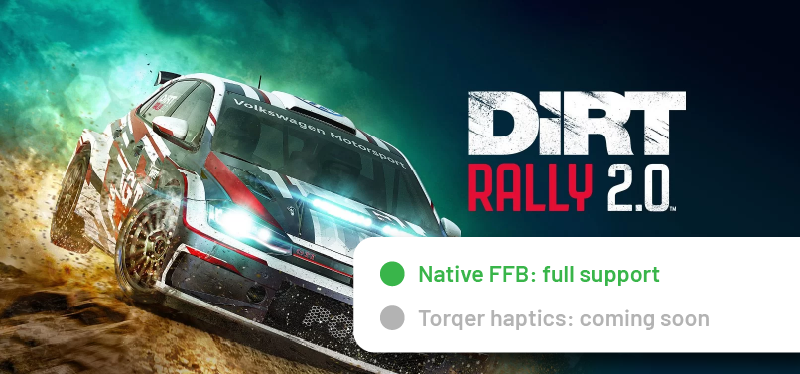
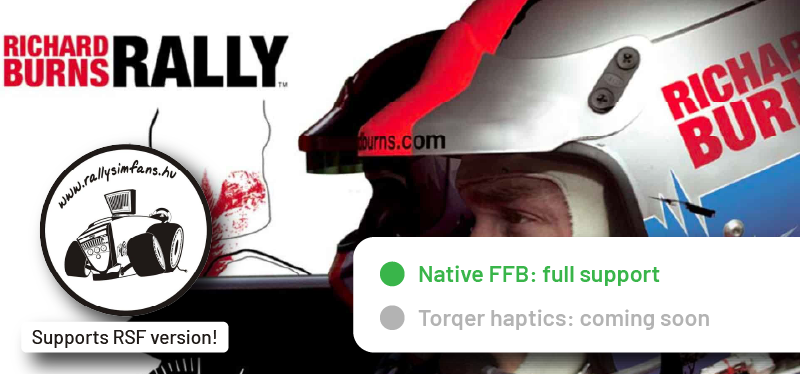
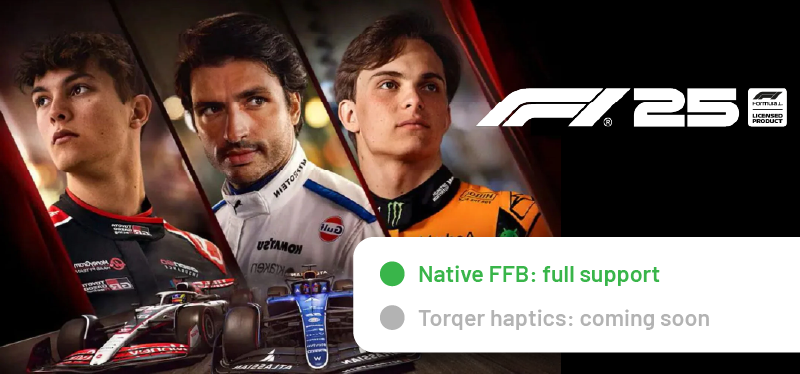
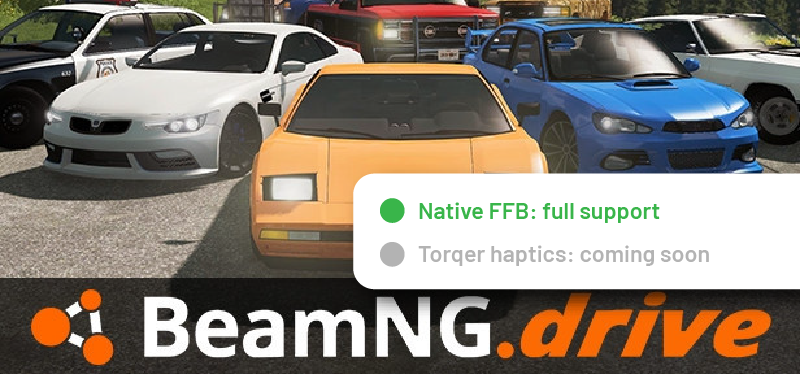
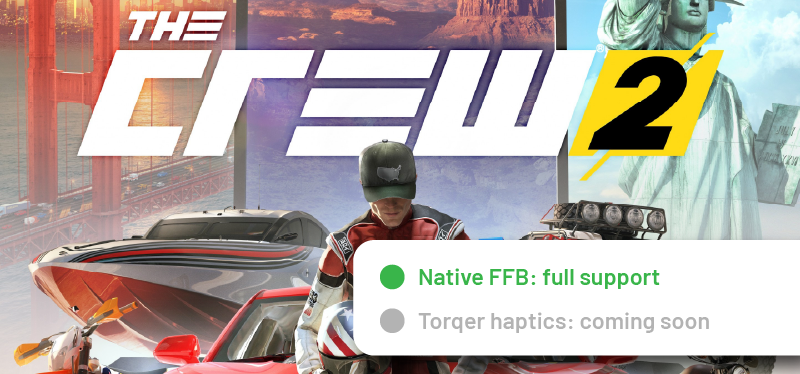
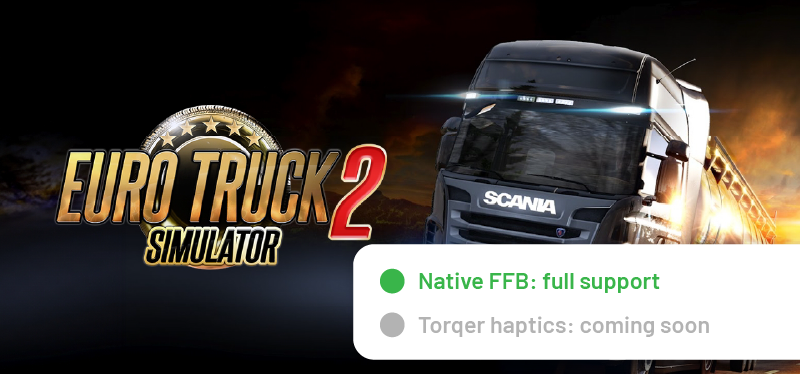
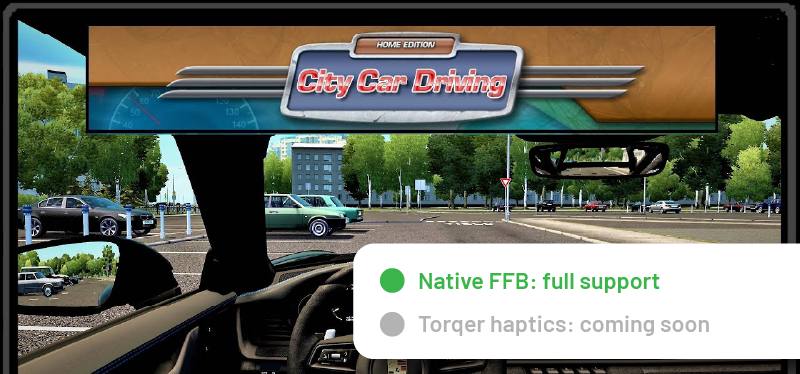
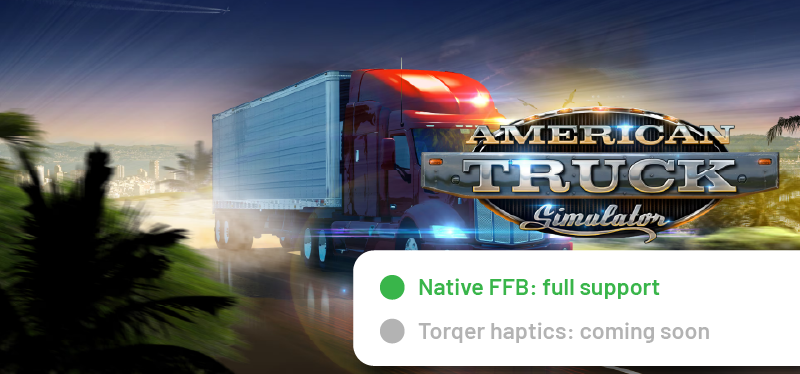
Don’t see your favorite game in the list?
If your game runs on CrossOver / Heroic / Sikarugir, there are good chances that it is supported by Torqer already.
If not, you can request it below.
PLUG & PLAY FOR YOUR WHEEL ON MAC
Compatible with Logitech, Thrustmaster, Moza, Fanatec, PXN, Cammus, Asetek, and more.
COMPATIBLE WHEELS
If you need guidance with beta-supported wheels, make sure to contact us.
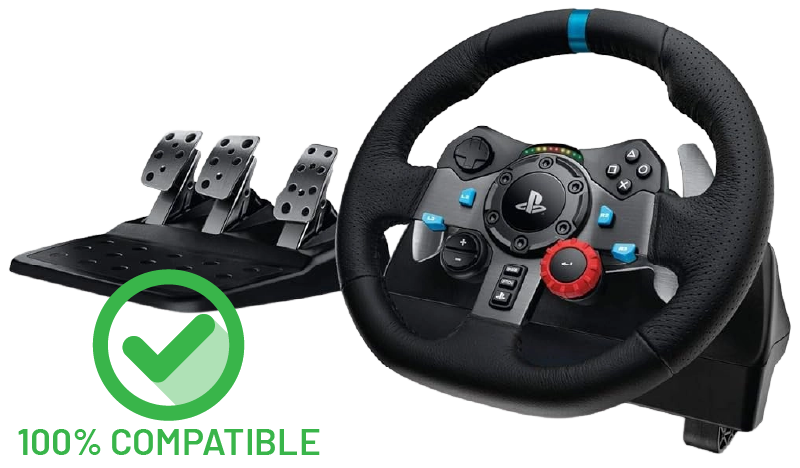
Logitech G29
Torqer is 100% compatible with the G29’s Force Feedback and RPM LED strip (game-specific).
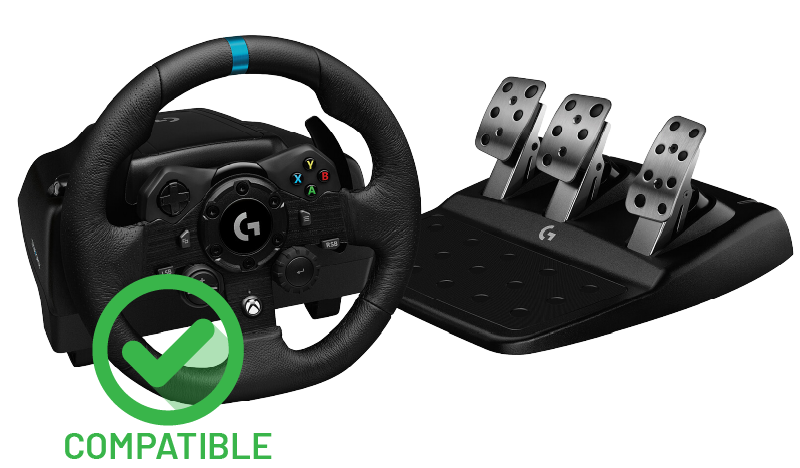
Logitech G923 (Xbox)
FFB compatible
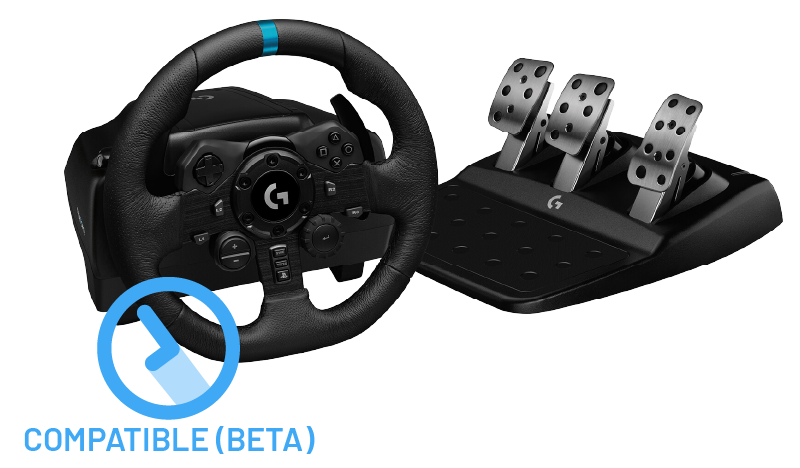
Logitech G923 (PS4/PS5)
FFB compatible (beta)
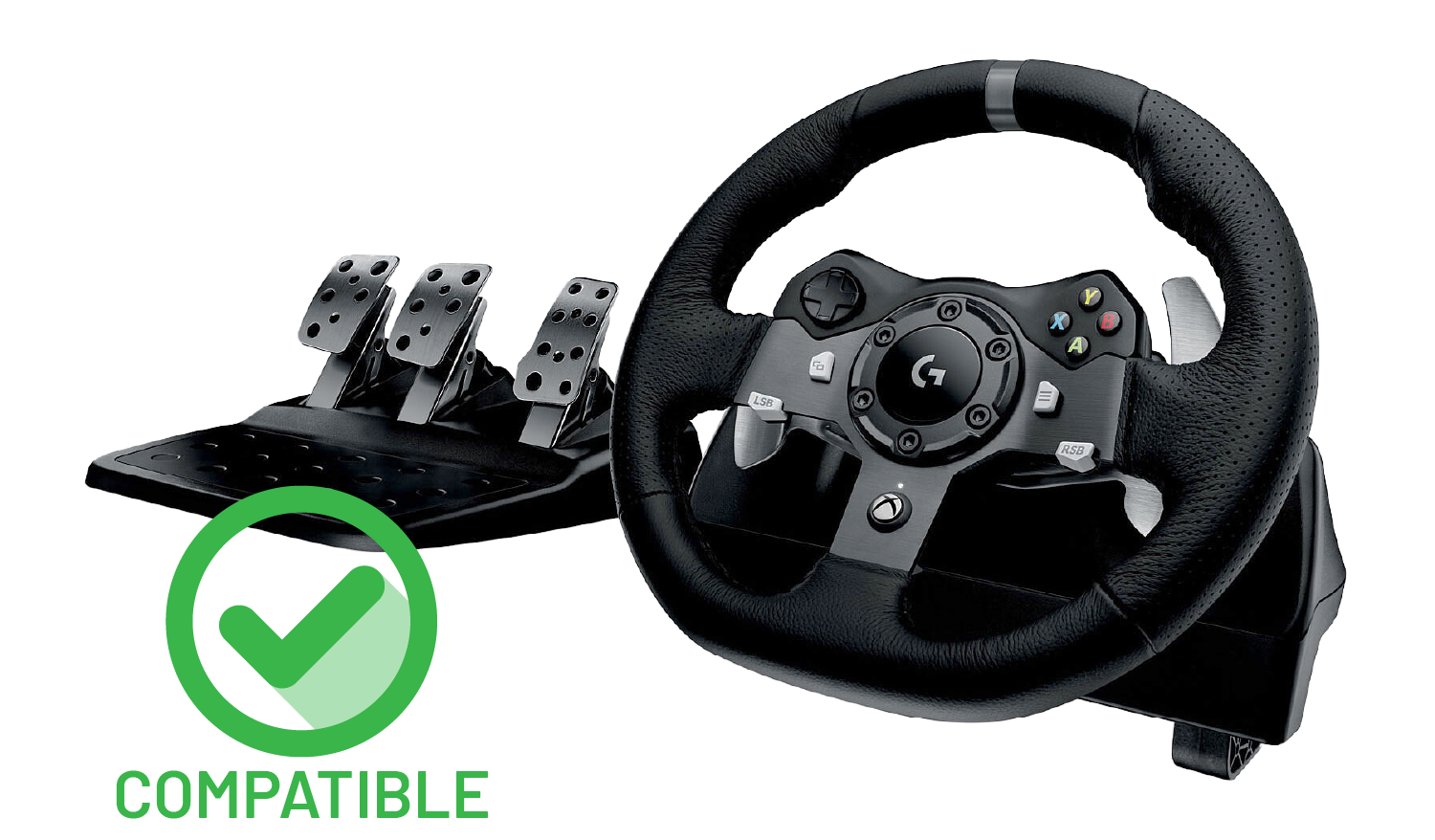
Logitech G920
FFB compatible
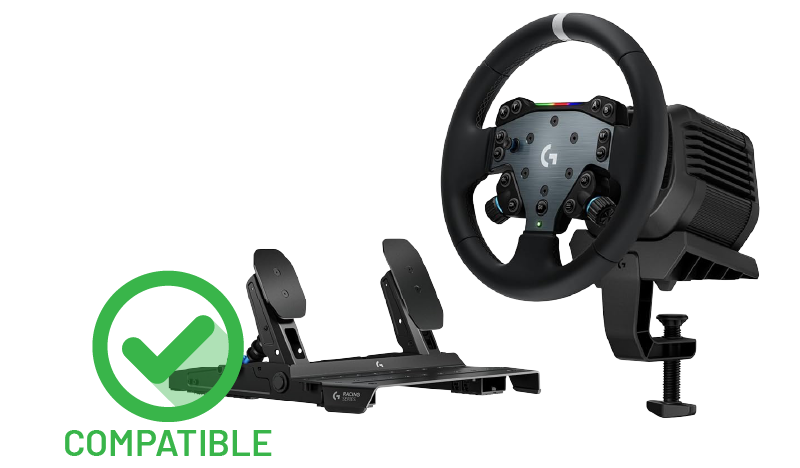
Logitech RS50
FFB compatible (including RPM LEDs)
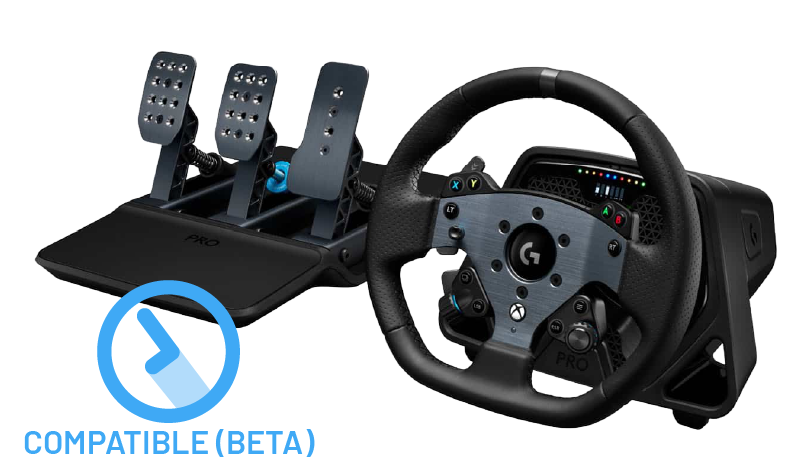
Logitech G Pro
FFB compatible (beta)
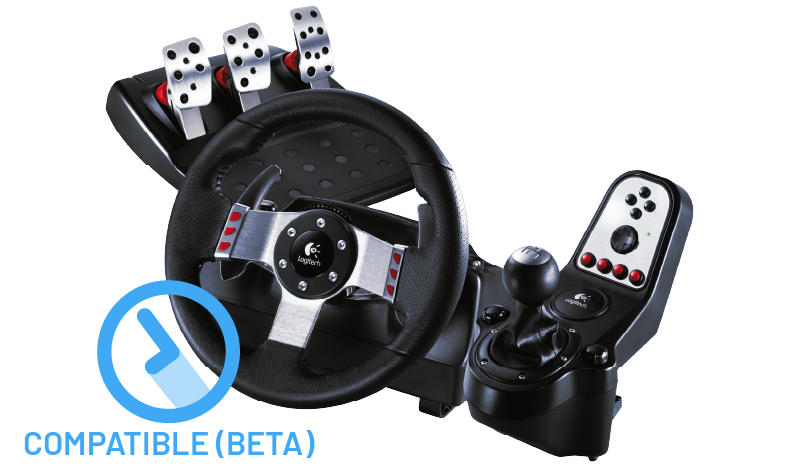
Logitech G27
FFB compatible (beta)
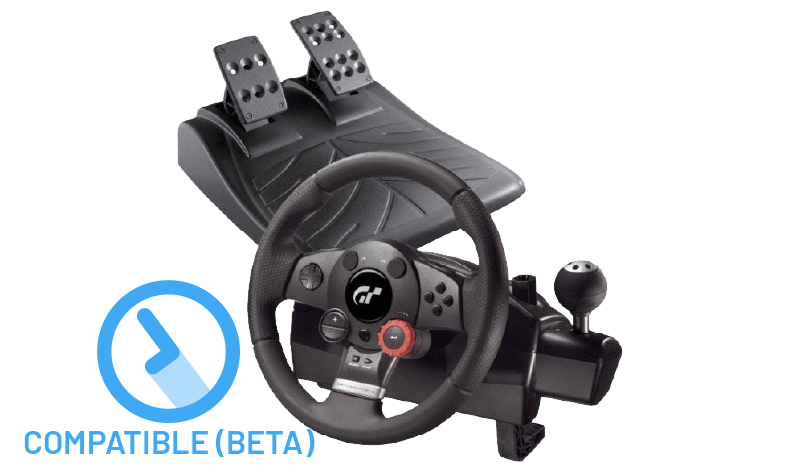
Logitech Driving Force GT
FFB compatible (beta)
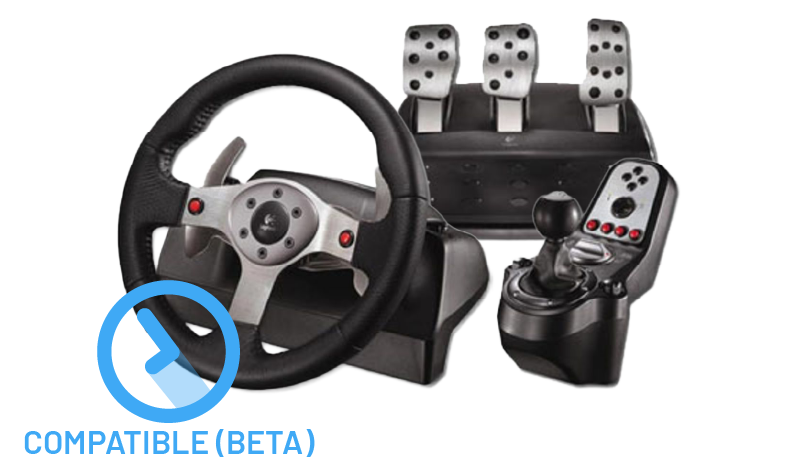
Logitech G25
FFB compatible (beta)
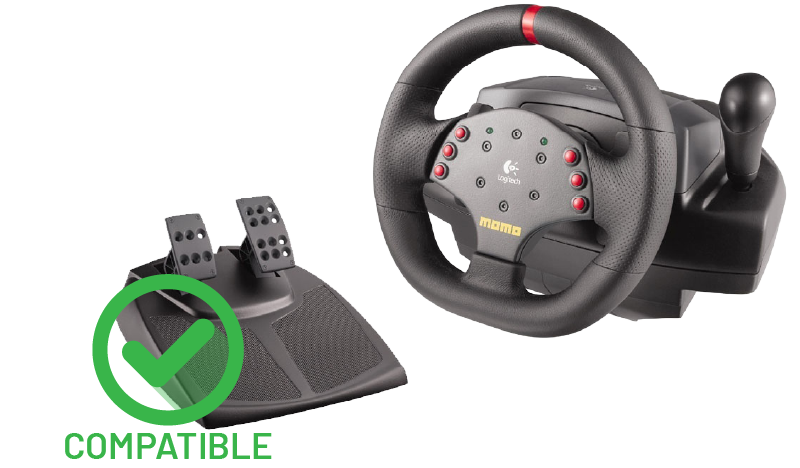
Logitech MOMO Racing
FFB compatible
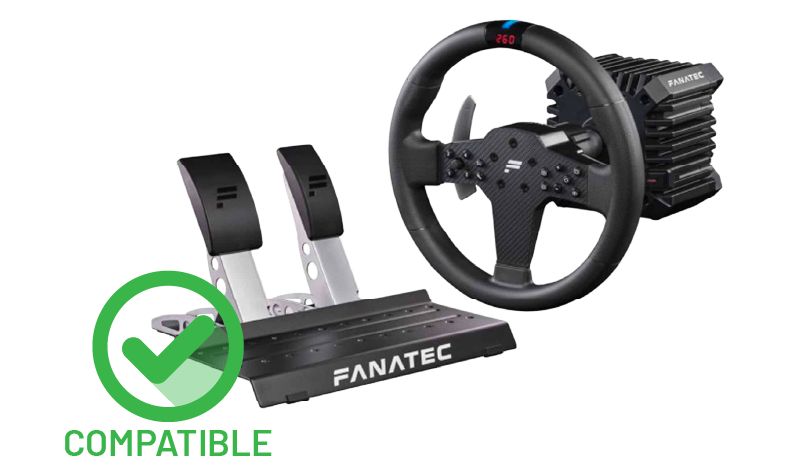
Fanatec CSL DD
FFB compatible (CrossOver has a compatibility issue with 3-axis pedal sets, contact us for workarounds)
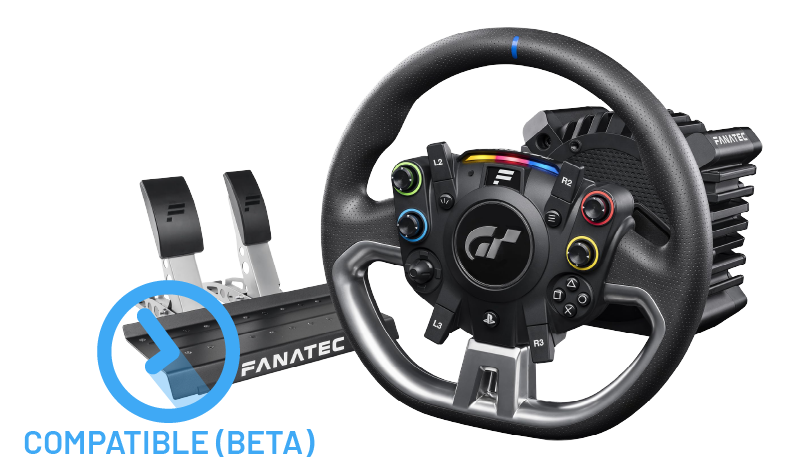
Fanatec Gran Turismo DD Pro
FFB compatible (beta) (CrossOver has a compatibility issue with 3-axis pedal sets, contact us for workarounds)
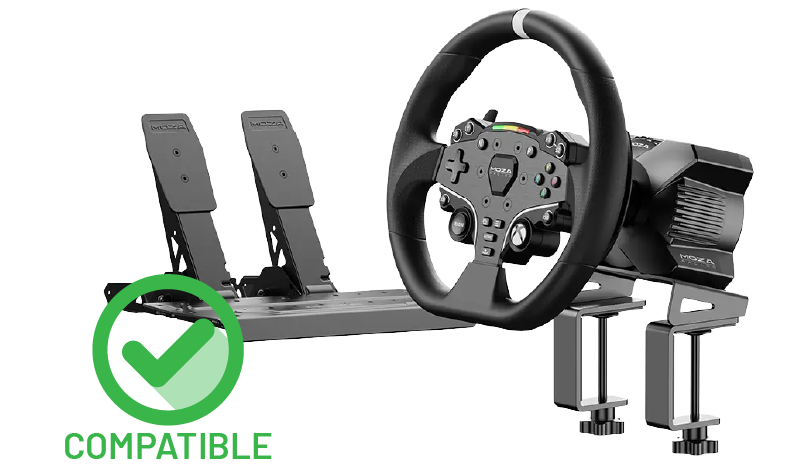
Moza R3
FFB compatible
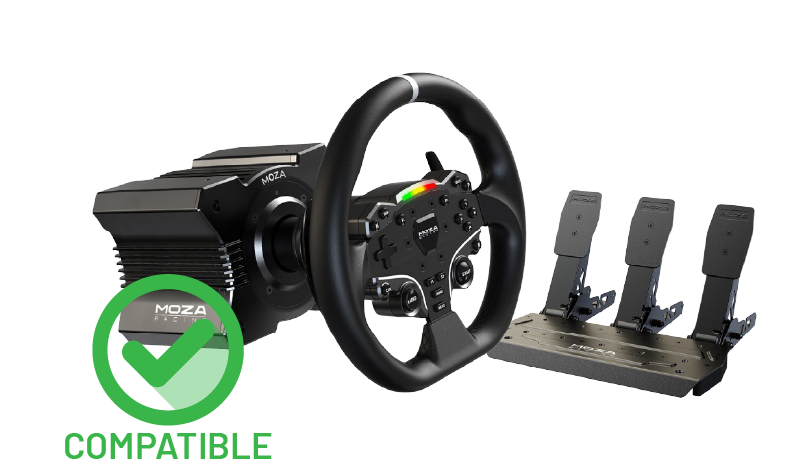
Moza R5
FFB compatible (including RPM LEDs – beta)
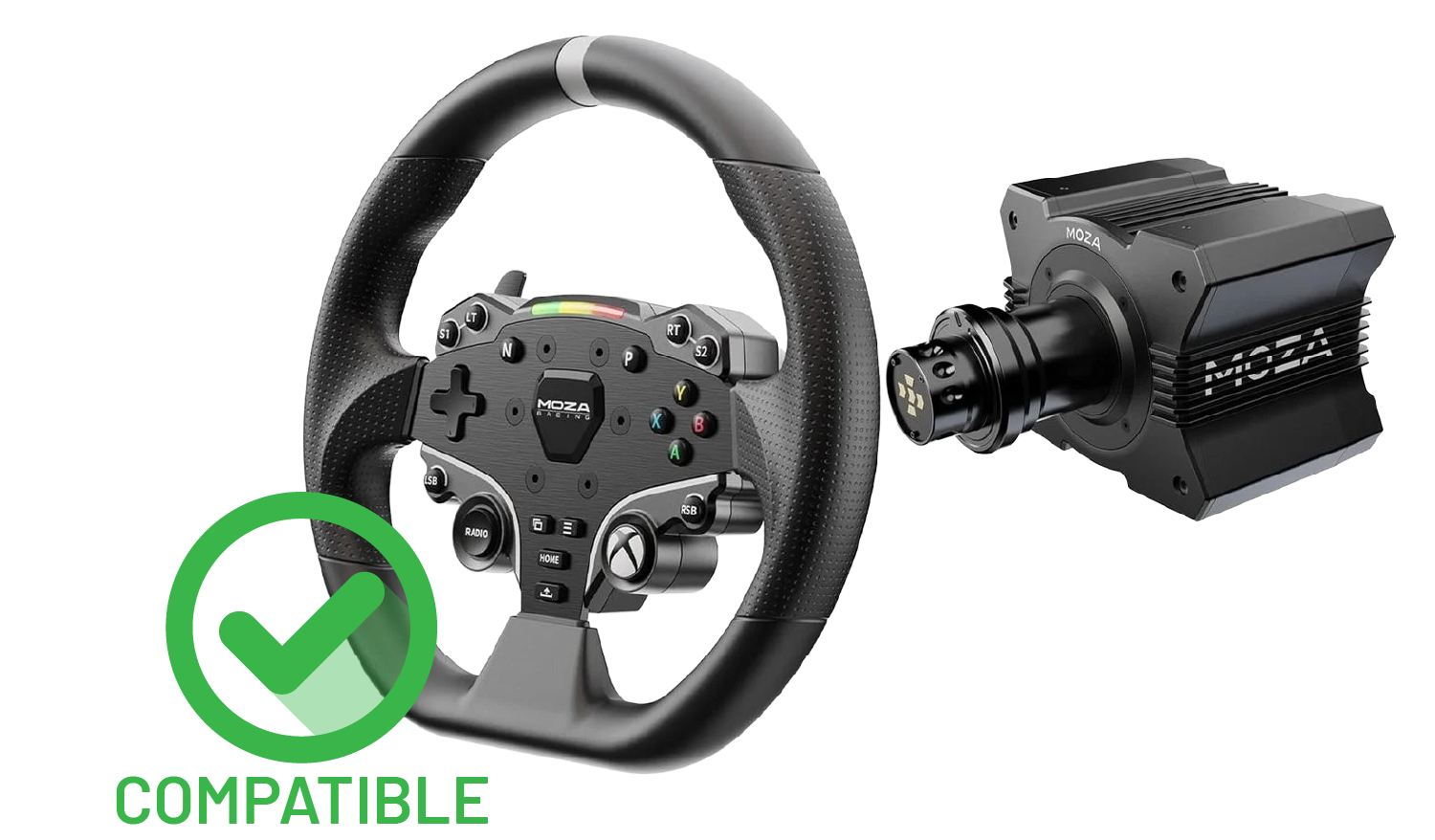
Moza R9
FFB compatible
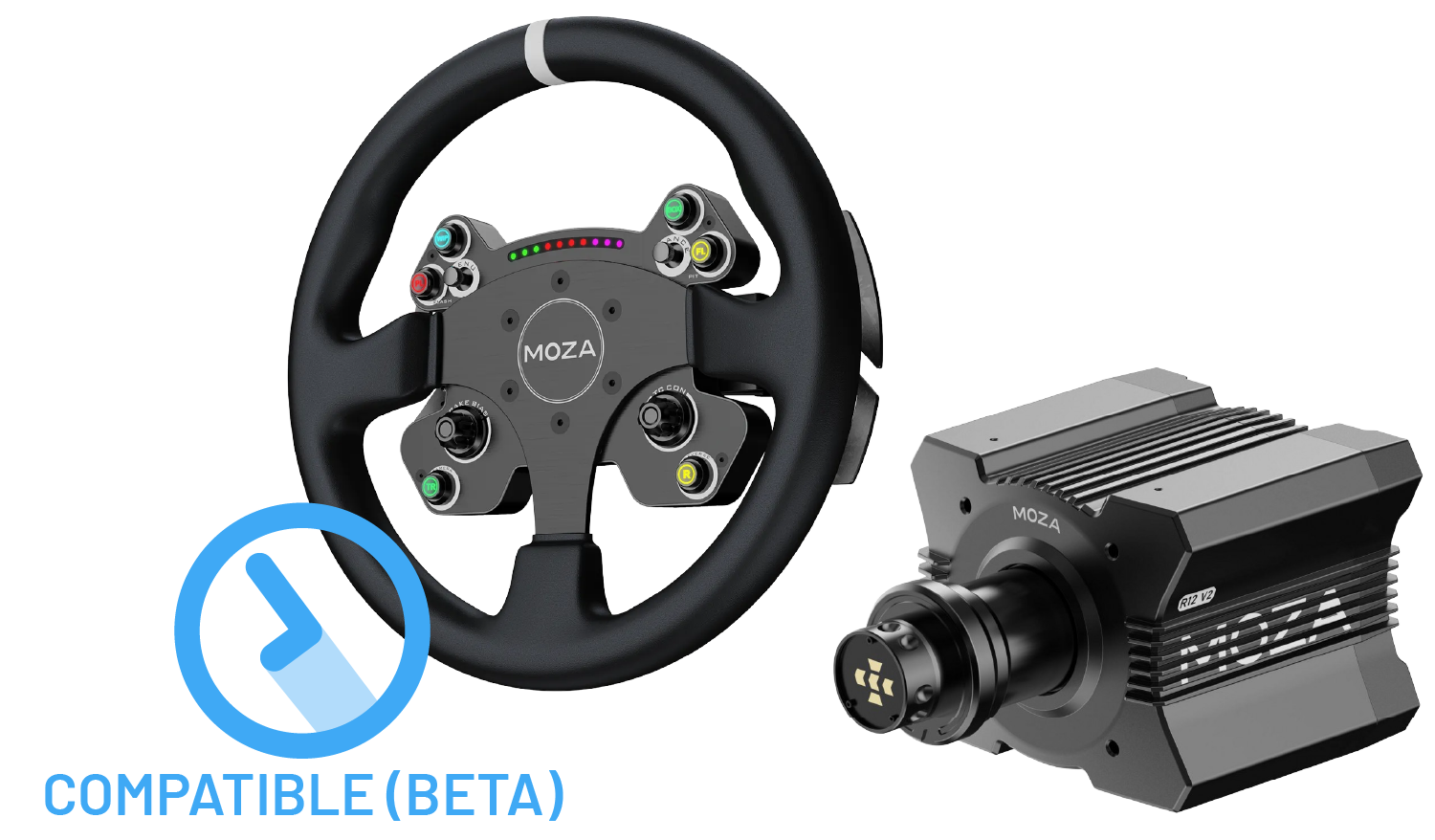
Moza R12
FFB compatible (beta)
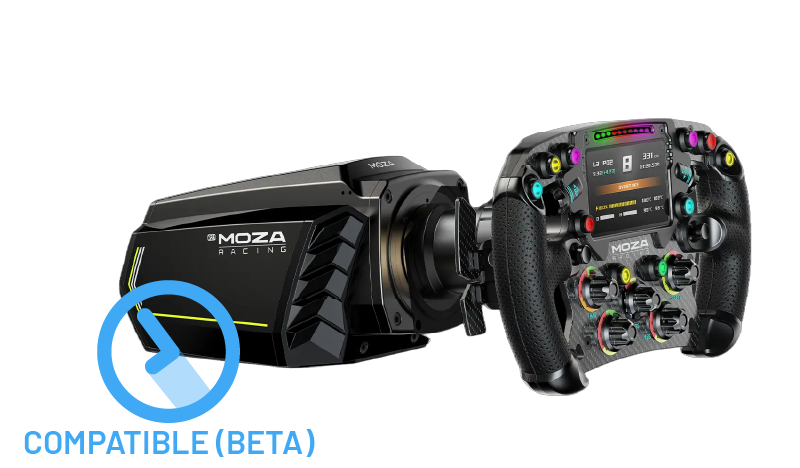
Moza R21
FFB compatible (beta)
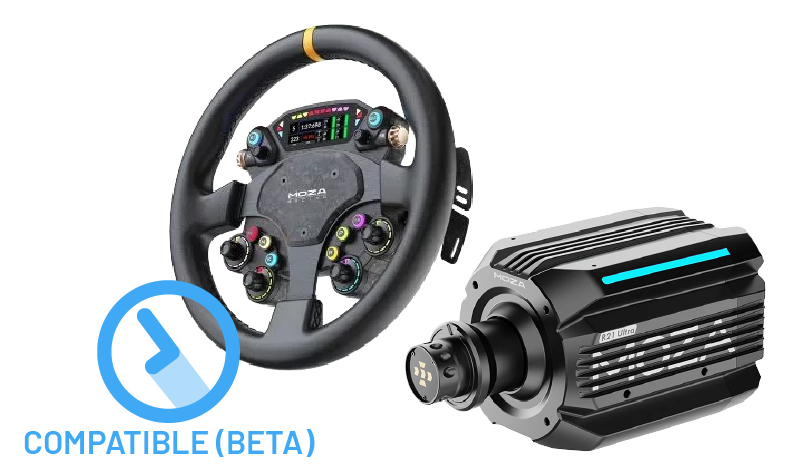
Moza R21 Ultra
FFB compatible (beta)
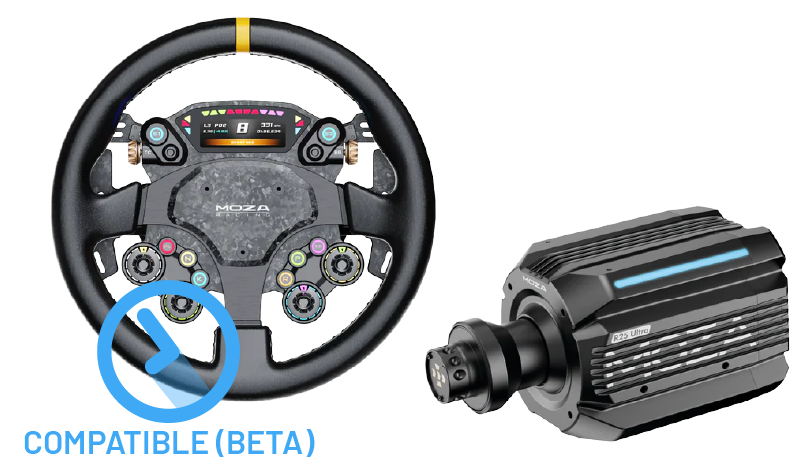
Moza R25 Ultra
FFB compatible (beta)
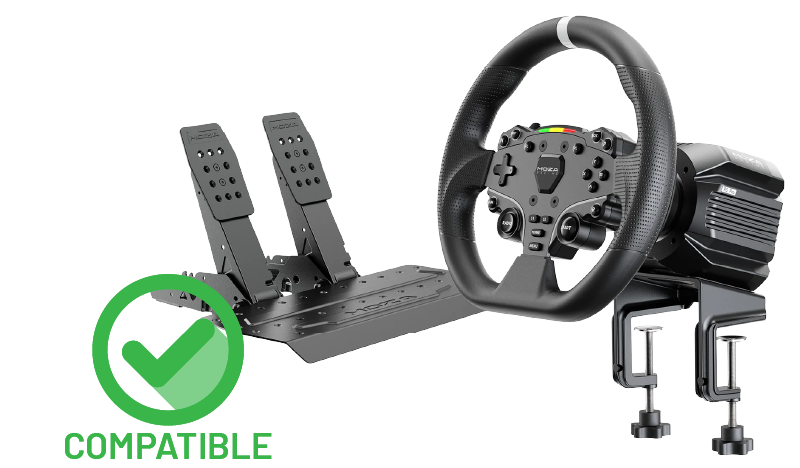
Moza R5 Pro
FFB compatible
Moza R25 Ultra
FFB compatible (beta)
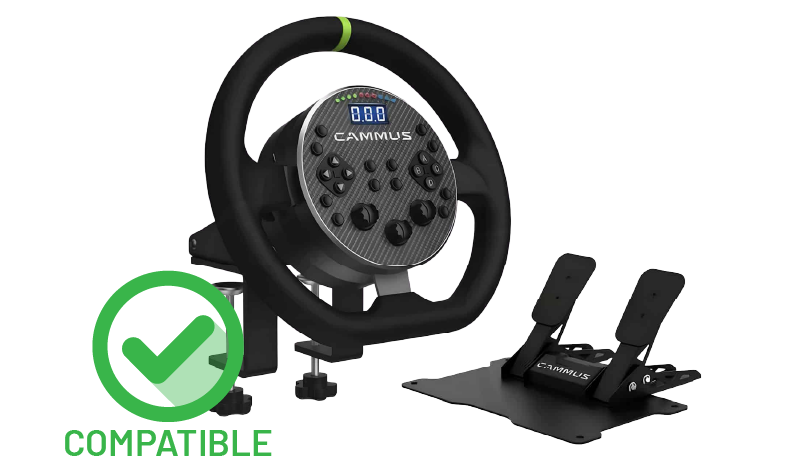
Cammus C5
FFB compatible
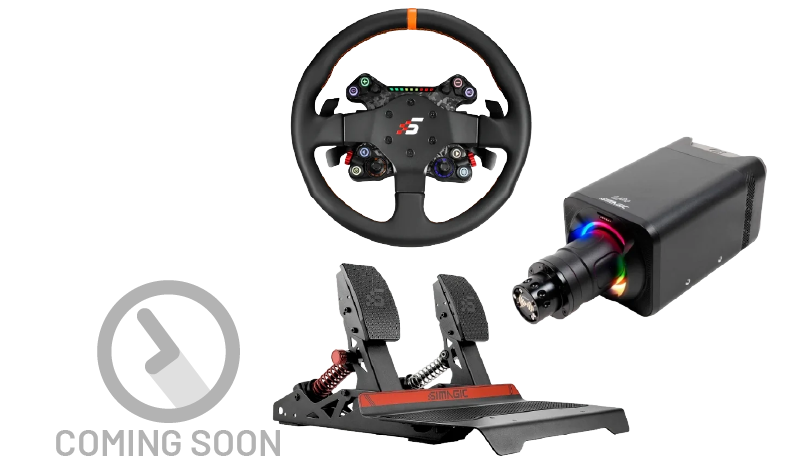
Simagic Alpha Evo / Pro
FFB support coming soon, we’re working on it.
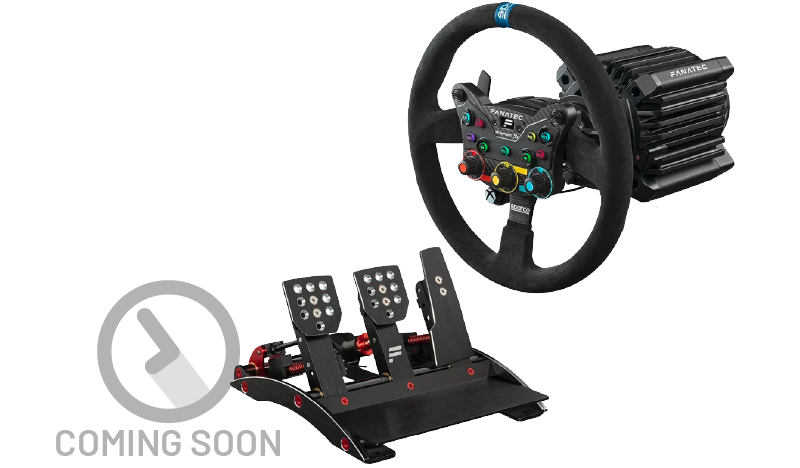
Fanatec Clubsport DD+
FFB support coming soon, we’re working on it.
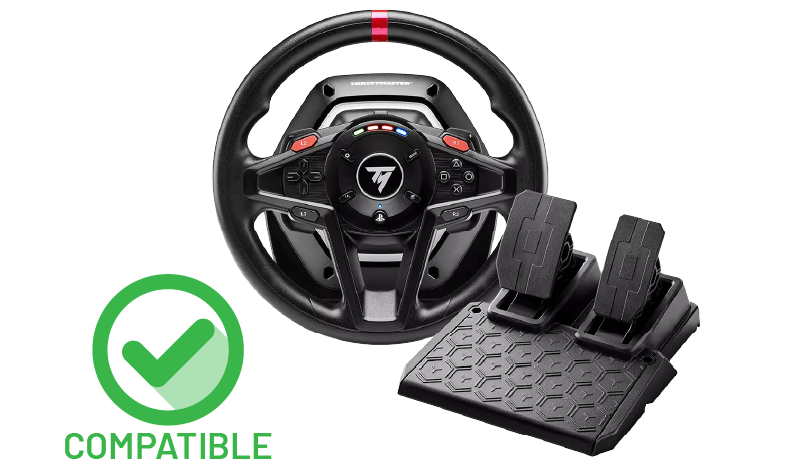
Thrustmaster T128
FFB compatible
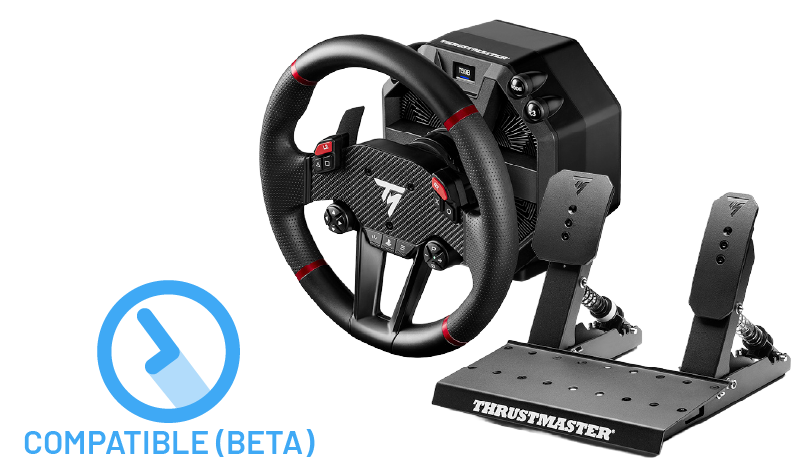
Thrustmaster T598
FFB compatible (beta)
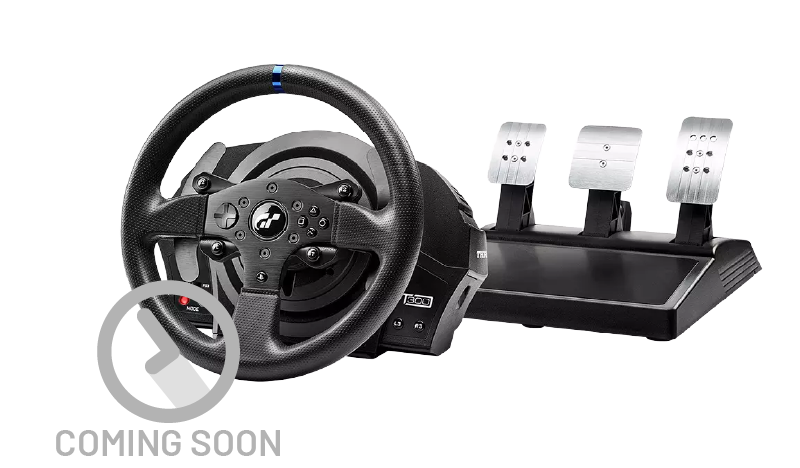
Thrustmaster T300RS
FFB support coming soon, we’re working on it.
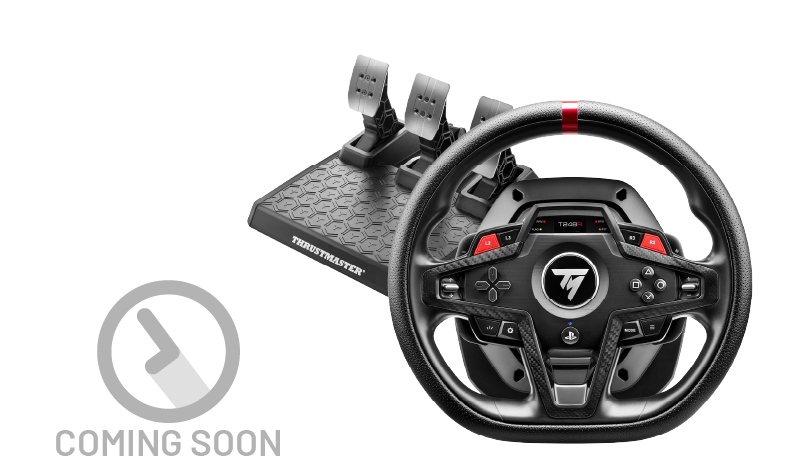
Thrustmaster T248R
FFB support coming soon, we’re working on it.
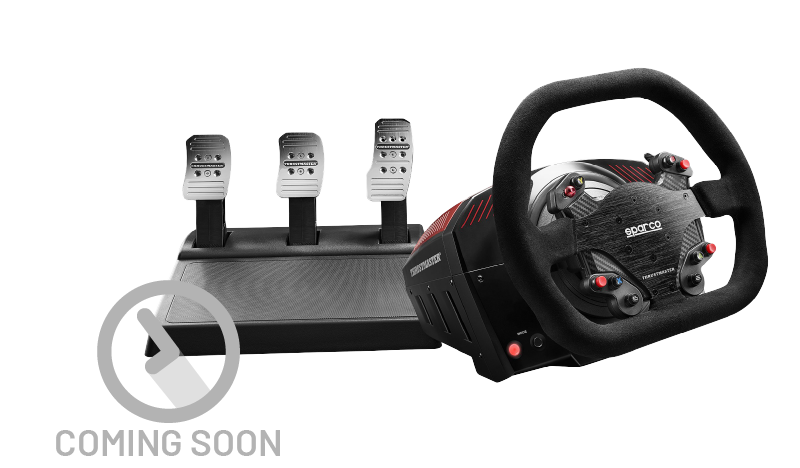
Thrustmaster TS-XW
FFB support coming soon, we’re working on it.
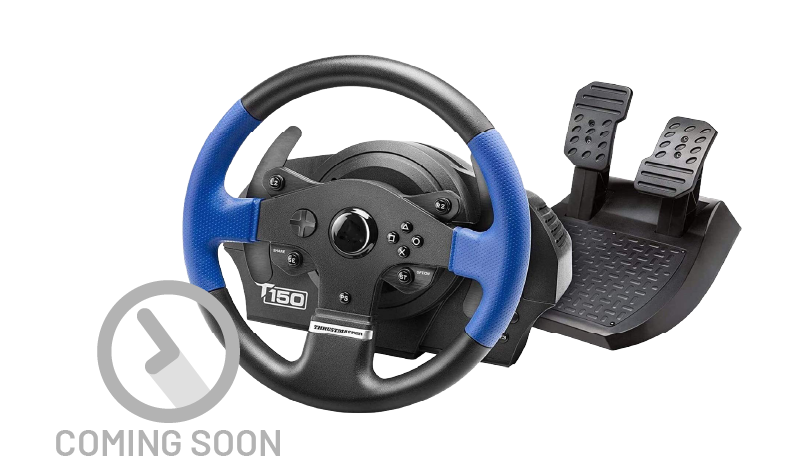
Thrustmaster T150
FFB support coming soon, we’re working on it.
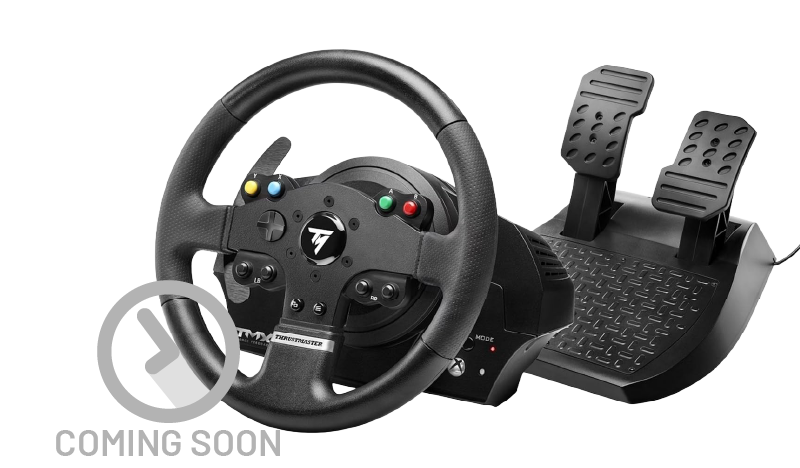
Thrustmaster TMX
FFB support coming soon, we’re working on it.
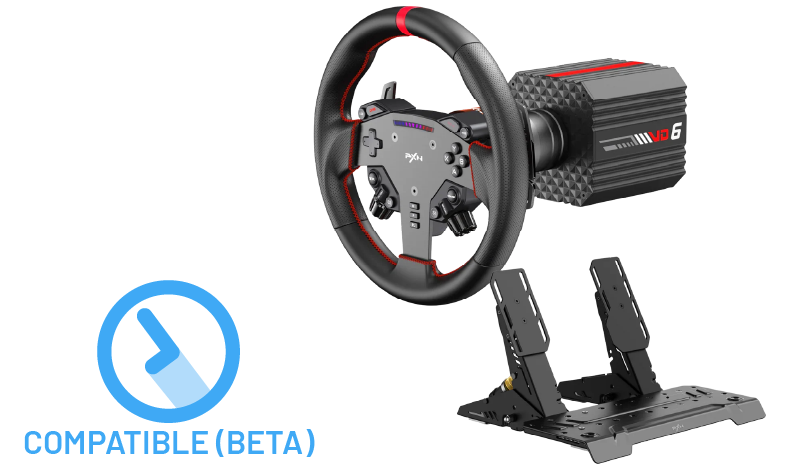
PXN VD6
FFB compatible (beta)
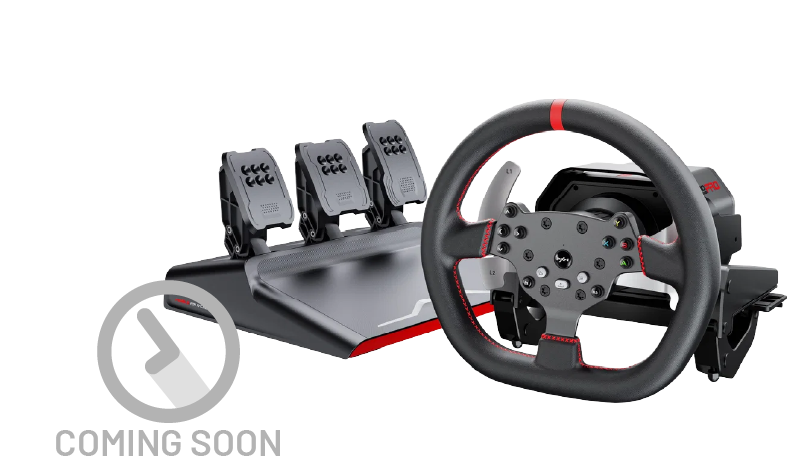
PXN V10 Pro
FFB support coming soon, we’re working on it.
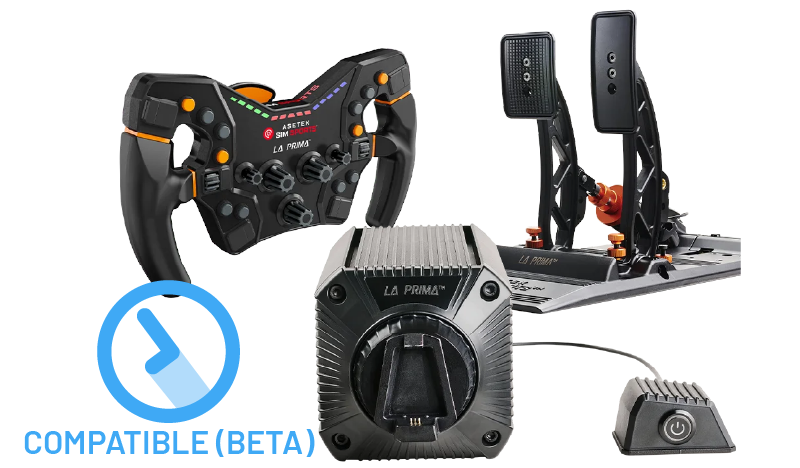
Asetek La Prima
FFB compatible (beta)
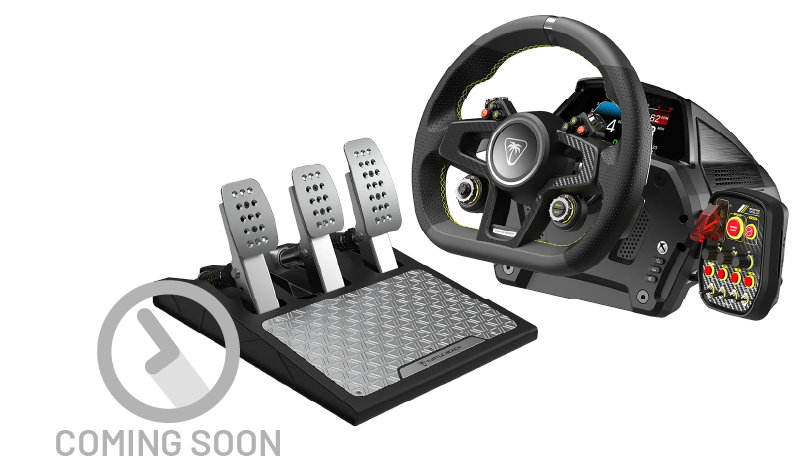
Turtle Beach VelocityOne Race
FFB support coming soon, we’re working on it.
Don’t see your gaming wheel in the list?
YOUR MAC IS NOW A PROPER SIM RACING MACHINE
GET TORQER NOW
0€
Free forever
TORQER FREE
• 5-day free trial
• Wheel setup & control
(free forever)
$12 / 10€
Lifetime purchase
BUY NOWTORQER PRO
• Full native & haptics FFB
• FFB free trial (5 days)
• Continuous updates
0€
Free forever
TORQER FREE
• 5-day free trial
• Wheel setup & control
(free forever)
$12 / 10€
Lifetime purchase
BUY NOWTORQER PRO
• Full FFB & haptics
• FFB free trial (5 days)
• Continuous updates
Want to support us further?
FAQ
CONTACT US
We reply to every request in about 2 working days maximum.